What is a CRM for WhatsApp?
Definition and Importance
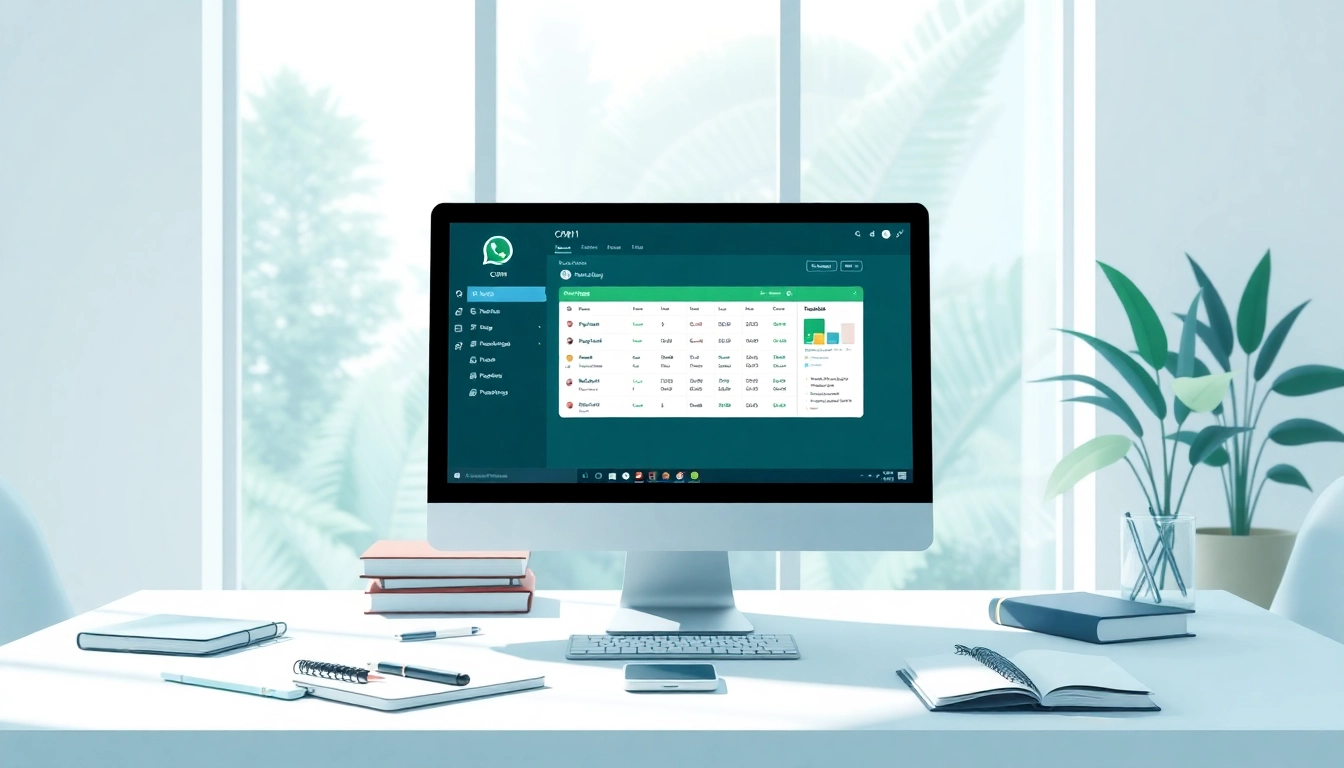
A CRM for WhatsApp is a specialized software solution that leverages the functionalities of WhatsApp to enhance customer relationship management. It enables businesses to integrate their WhatsApp Business Account seamlessly with their Customer Relationship Management (CRM) systems. By doing so, businesses can centralize their customer communications, track interactions, and analyze data to improve customer satisfaction.
The importance of a CRM for WhatsApp lies in its ability to streamline communication and enhance the customer experience. With over two billion users globally, WhatsApp remains one of the most widely used messaging platforms for both personal and professional interactions. As such, businesses that seek to improve their engagement and manage customer relationships more efficiently find that integrating WhatsApp with their CRM systems becomes a strategic necessity. Understanding What is a CRM for WhatsApp is crucial in a world where customer expectations continue to evolve and shift.
Core Features of WhatsApp CRM
The core features of a WhatsApp CRM are designed to facilitate the effective management of customer interactions. These include:
- Automated Messaging: Businesses can set up automated responses for frequently asked questions, making customer service more efficient.
- Contact Management: A CRM for WhatsApp allows businesses to manage customer information, track the history of interactions, and segment contacts for targeted communication.
- Integration with Other Tools: It can integrate with other tools such as email marketing software and analytics platforms, allowing for comprehensive data tracking and analysis.
- Chat History Tracking: This feature enables businesses to keep a record of all interactions with customers for future reference, ensuring that customer service representatives can easily pick up ongoing conversations.
- Multimedia Support: Customers can send and receive images, videos, and documents, making communication richer and more interactive.
- Performance Analytics: Businesses can track interaction metrics to evaluate performance, customer satisfaction, and engagement levels.
How Does It Work?
A CRM for WhatsApp works by connecting the WhatsApp Business API to the CRM platform, allowing for a multi-channel communication approach. Here’s how the integration typically unfolds:
- API Integration: Businesses must connect their WhatsApp Business Account to their CRM through the WhatsApp Business API. This requires some technical setup, but once in place, it offers a streamlined flow of information.
- User Interface: The integration provides a user-friendly interface where customer service representatives can manage conversations directly within the CRM platform, allowing them to respond to inquiries promptly.
- Data Synchronization: Customer data and conversation histories are synchronized in real-time, enabling representatives to have context as they engage with customers.
- Feedback Loop: The system allows feedback and queries to flow directly to the business, fostering two-way communication that enhances customer satisfaction.
Benefits of Using a CRM for WhatsApp
Enhanced Customer Engagement
Using a CRM for WhatsApp can significantly enhance customer engagement. With the ability to respond in real-time and personalize communication based on customer data, businesses can connect more effectively with their audience. Features such as automated messaging nurture leads and maintain customer interest, ensuring they feel valued and heard.
Improved Communication Efficiency
The integration of WhatsApp with a CRM platform improves communication efficiency by reducing response times and minimizing the chances of miscommunication. With a centralized messaging platform, teams can seamlessly collaborate, keeping all interactions consolidated. This enables businesses to respond to customer inquiries more promptly and accurately, thereby boosting customer satisfaction.
Data-Driven Insights
A WhatsApp CRM allows businesses to gather data from customer interactions, which can then be analyzed for deeper insights into customer behavior and preferences. This information is invaluable for developing targeted marketing strategies and improving product offerings. By understanding customer interactions, businesses can adjust their strategies to address customer needs more effectively, ultimately driving sales and loyalty.
Implementing a WhatsApp CRM
Choosing the Right CRM Solution
When selecting a CRM solution for WhatsApp integration, businesses should consider several factors:
- User-Friendliness: The software should have an intuitive interface that your team can easily navigate.
- Integration Capabilities: Ensure that the CRM can integrate smoothly with your existing systems, including ERP and marketing automation tools.
- Scalability: The chosen solution should be scalable to accommodate future growth and additional features as your business needs evolve.
- Support and Training: Check if the provider offers sufficient training and support to help your team maximize the software’s potential.
Integration Process
The integration process can be straightforward if approached correctly. Key steps include:
- Account Verification: Verify your WhatsApp Business Account with the WhatsApp Business API.
- API Configuration: Configure API settings to connect WhatsApp with your CRM solution.
- Testing: Conduct thorough testing to ensure messages are sent and received correctly and that all features are operational.
- Training Staff: Provide training for staff on how to use the integrated system effectively.
Best Practices for Adoption
To ensure successful adoption of a CRM for WhatsApp, consider these best practices:
- Start Small: Begin with a pilot program to gather feedback and make necessary adjustments before full implementation.
- Regular Training: Continuously train staff to keep them updated on the latest features and best practices.
- Promote Communication: Encourage open communication within your team to address questions or challenges quickly during the transition.
- Gather Feedback: Collect feedback from users regularly to improve processes and enhance the functionality of the CRM.
Challenges and Solutions in WhatsApp CRM
Common Implementation Pitfalls
Implementing a CRM for WhatsApp can come with challenges, including:
- Technical Difficulties: Issues with API integration can cause delays. Working with experienced tech teams can mitigate this risk.
- User Resistance: Employees may be hesitant to adopt new technologies. Addressing concerns with training and emphasizing the benefits can foster a positive outlook.
- Data Quality Issues: Poorly managed or outdated customer data can hinder effectiveness. Regular data maintenance and quality checks are essential.
Addressing Privacy Concerns
With customer data being a focal point of CRM functionality, privacy concerns are paramount. Businesses must ensure compliance with data protection regulations such as GDPR. To address privacy issues, consider these actions:
- Implement strong data encryption and security measures.
- Be transparent about how customer data is used and stored.
- Provide customers with easy access to their data and options to opt-out of data collection where appropriate.
Maintaining Customer Relationships
While a CRM for WhatsApp can enhance customer interactions, maintaining strong relationships requires ongoing effort. This can be achieved through:
- Personalization: Use data insights to tailor conversations and offers to individual customer needs.
- Proactive Communication: Reach out to customers with updates, promotions, or inquiries to show that their business is valued.
- Feedback Mechanisms: Regularly solicit customer feedback to understand their experiences and areas for improvement.
Measuring the Success of WhatsApp CRM
Key Performance Indicators (KPIs)
To assess the effectiveness of a CRM for WhatsApp, businesses should track several KPIs:
- Response Time: Measure how quickly your team responds to customer inquiries to gauge efficiency.
- Customer Satisfaction Score: Gather feedback on customer interactions to evaluate satisfaction.
- Conversion Rates: Track how many interactions lead to sales or engagement to understand effectiveness.
- Retention Rates: Monitor if customers continue to engage and do business with you over time.
Feedback and Continuous Improvement
Continuous improvement is critical in maximizing the effectiveness of your CRM for WhatsApp. Establish a process for regularly reviewing performance metrics and gathering user feedback. Implement necessary changes based on this data, and also keep your team informed about updates and improvements to the system.
Case Studies: Success Stories
Numerous organizations have successfully utilized a WhatsApp CRM to enhance customer relations and drive sales. For example, a retail company that integrated WhatsApp with its CRM saw a dramatic increase in customer engagement and a decrease in response time from hours to minutes. By utilizing the automated messaging feature, they could answer common customer queries swiftly while freeing staff to focus on more complex issues. This not only improved customer satisfaction ratings but also boosted store visits and ultimately sales.
Implementing a CRM for WhatsApp can have transformative effects on how businesses communicate with their customers. By understanding the functionalities, benefits, and best practices associated with these systems, companies can enhance their operational efficiencies and foster lasting customer relationships.