Understanding TradingView: A Comprehensive Overview
As the trading landscape becomes increasingly complex, tools that facilitate effective market analysis and decision-making are essential for traders. TradingView stands out as a comprehensive platform that combines advanced charting capabilities, real-time market data, and effective alert systems, all on a versatile cross-platform interface. In this article, we will explore TradingView’s robust features, its unique advantages over other trading tools, and how it can revolutionize your trading strategy in 2026.
What is TradingView and How Does It Work?
TradingView is an online platform that provides users with real-time market data, advanced charting tools, and an extensive range of communication features tailored for traders and investors. The platform supports a variety of markets, including stocks, forex, cryptocurrencies, and commodities, allowing users to conduct technical analysis and share trading ideas. It operates on a freemium model with optional subscription tiers that offer enhanced features.
Main Features of TradingView: Key Capabilities Explained
At the heart of TradingView's functionality lies its powerful charting system, which allows users to visualize market movements through a wide range of indicators, drawing tools, and customizable chart types. Key capabilities include:
- Multi-Timeframe Analysis: Users can analyze the same asset across different timeframes, which helps identify trends and market structure.
- Custom Indicators: Traders can create and apply their custom technical studies using Pine Script, TradingView's programming language.
- Social Networking Features: Users can share insights and chart setups with a vast community of traders, fostering collaboration and idea exchange.
Why Choose TradingView Over Other Tools?
While there are numerous trading platforms available, TradingView’s blend of usability, community engagement, and advanced analytical tools positions it uniquely in the marketplace. The platform’s user interface is intuitive and designed for both novice and experienced traders. Additionally, its extensive library of publicly available scripts and indicators offers unparalleled flexibility. Moreover, the social aspect of TradingView allows users to benefit from shared experiences and strategies, making it a valuable resource.
Diving Into Chart Analysis with TradingView
Utilizing TradingView Charts for Effective Analysis
The charting capabilities of TradingView are among the strongest in the industry. Users can leverage a variety of chart types, including line, candlestick, and bar charts, and apply indicators such as moving averages, RSI, and MACD. This diversity allows traders to tailor their analysis to their specific style and preferences.
Timeframes and Indicators: Mastering Technical Analysis
TradingView offers the ability to switch between different timeframes, from minutes to daily or even weekly charts. This flexibility is crucial for traders looking to execute short-term trades or those who prefer a longer-term approach. In addition, the platform supports multiple indicators, enabling users to create comprehensive trading strategies. Understanding how to effectively combine these tools is key to mastering technical analysis.
Real-Time Data Integration: Advantages for Traders
Trading in real-time is essential for successful trading strategies. TradingView provides users with live market data and instant updates, allowing traders to react promptly to market changes. This feature minimizes the risks associated with lagging information, ensuring that traders have the most current data at their fingertips.
Setting Up Alerts and Notifications on TradingView
How to Configure Price Alerts Effectively
One of the standout features of TradingView is its alert system. Traders can set price alerts that notify them when an asset reaches a predetermined price point. This can significantly reduce the need for constant monitoring of charts and allows traders to focus on making informed decisions rather than being consumed by screen time.
Understanding Condition-Based Alerts for Better Decisions
In addition to price alerts, TradingView also supports condition-based alerts, which notify users when specific market conditions are met. For example, alerts can be set for crossovers in moving averages or when an asset reaches overbought or oversold levels. Utilizing these condition-based alerts can help traders make better decisions by amplifying their focus on critical market movements.
Comparing Alerts vs. Manual Monitoring: Which is Better?
While manual monitoring can provide a hands-on approach to trading, the efficiency of automated alerts can greatly enhance a trader's effectiveness. Alerts allow traders to capitalize on opportunities without being glued to their screens, making them an essential tool in modern trading.
Cross-Device Functionality: TradingView on All Platforms
Using TradingView on Desktop vs. Mobile: Features and Benefits
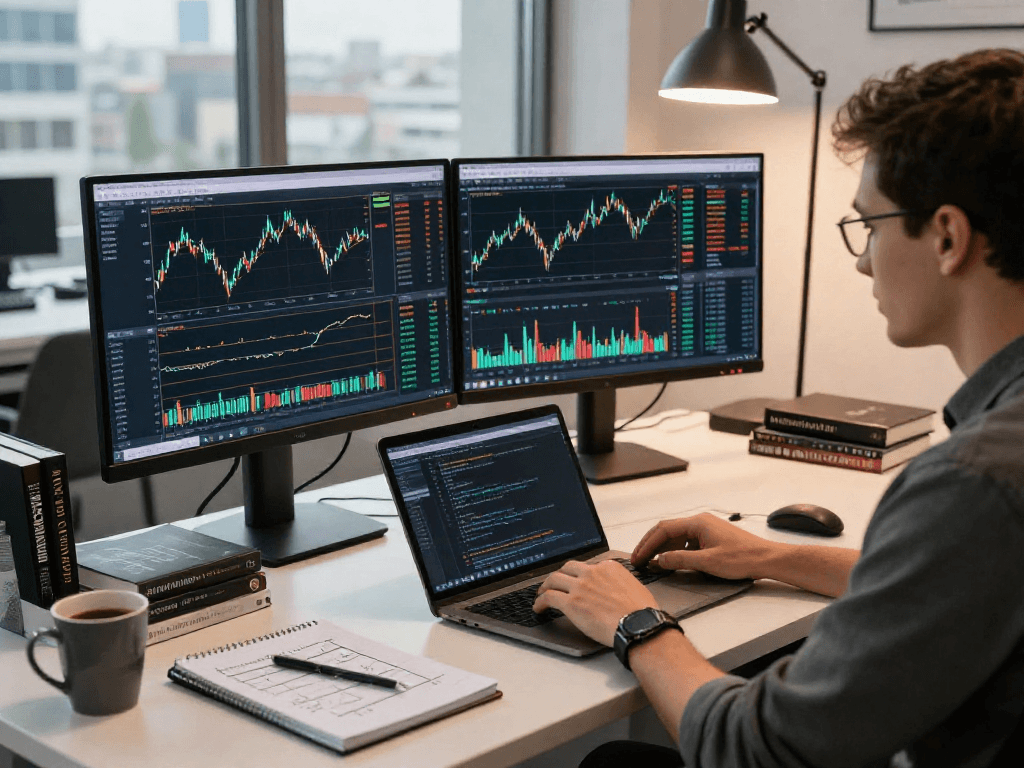
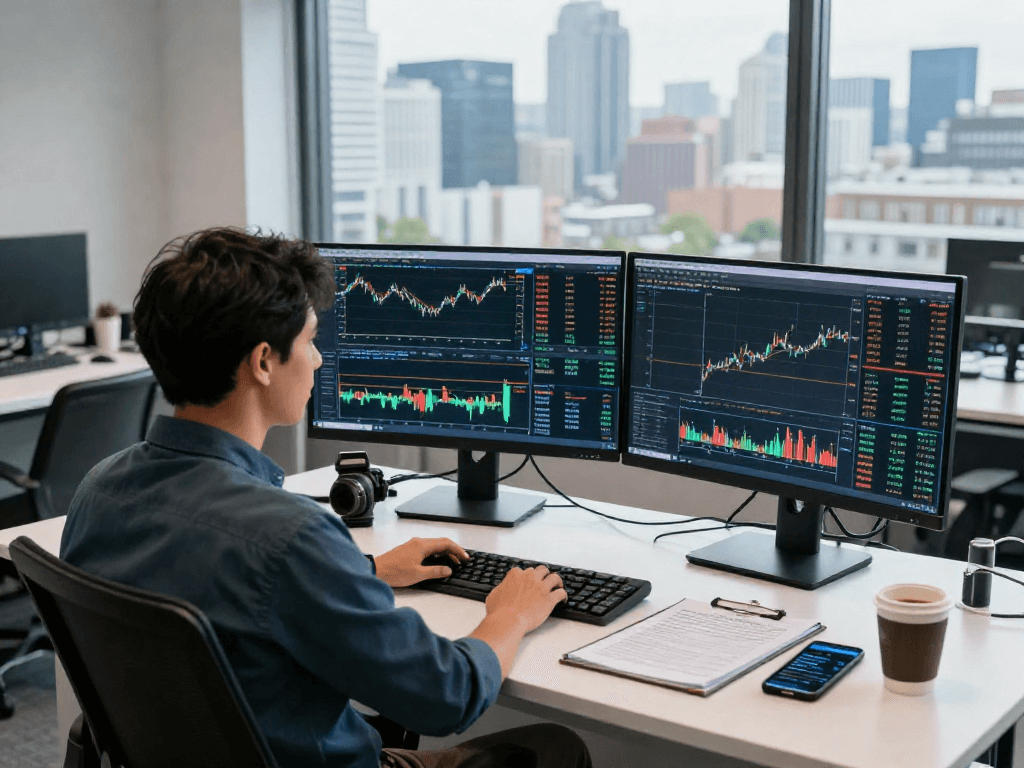
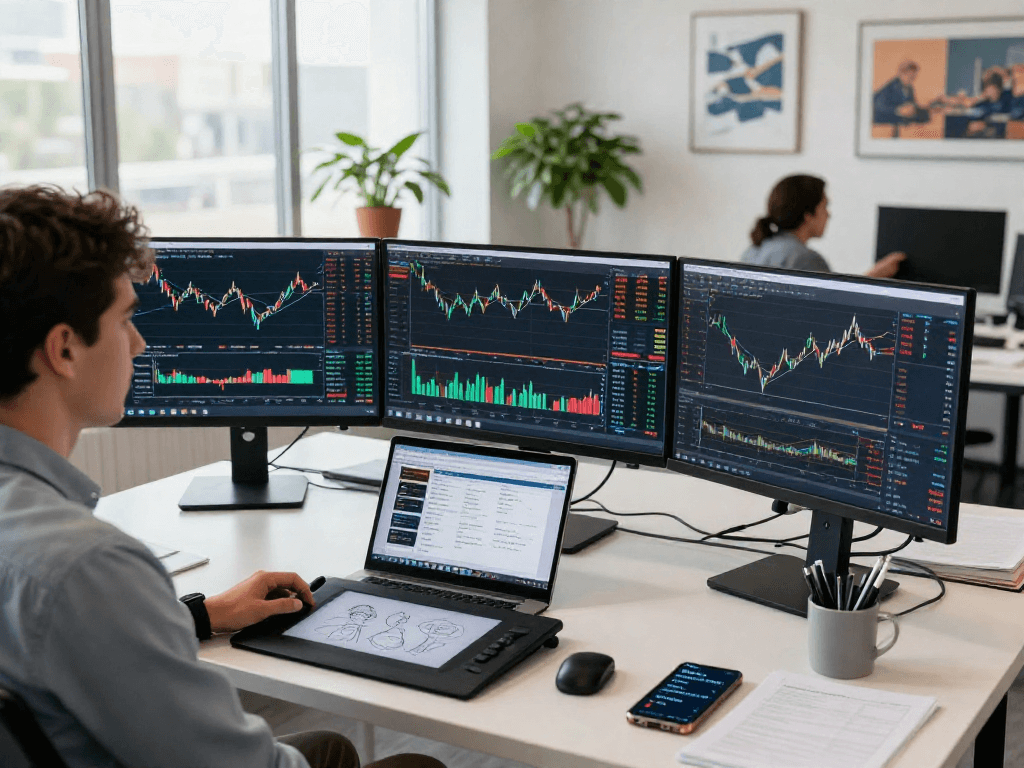
TradingView is accessible across various platforms, including desktop, web, and mobile applications. The desktop version offers advanced functionalities such as multi-monitor setups, which are ideal for day traders who require extensive data at a glance. Conversely, the mobile application is tailored for traders on the go, ensuring that essential features are always accessible regardless of location.
Synchronization Across Devices: What You Need to Know
One of TradingView's remarkable features is account synchronization across desktop and mobile devices. This means that any charts, alerts, or scripts set up on one device will automatically update on all others, allowing for a seamless trading experience. This cross-device compatibility is particularly beneficial for traders who need to switch between different platforms throughout their trading day.
Accessibility: How to Access TradingView Anywhere
Accessing TradingView is straightforward, thanks to its web-based and application availability. Users can log in from anywhere, whether at home, in the office, or while traveling. This level of accessibility ensures that traders can stay informed and responsive to market movements at all times.
Pricing Plans: Selecting the Right TradingView Subscription
Comparing Free vs. Paid Plans: What You Get
TradingView operates on a freemium model, offering a robust free version that includes essential features and paid plans that unlock more advanced options. Free users can access basic charting tools and a limited number of alerts, while paid subscriptions offer enhanced features like unlimited alerts, advanced technical analysis tools, and additional chart layouts.
Best Practices for Choosing a Suitable Plan
When selecting a TradingView subscription, it’s essential to assess your trading style and needs. Casual traders might find the free version sufficient, while more active traders will benefit from the advanced features offered in the paid tiers. Evaluating your trading frequency and the need for real-time data will guide you in making an informed decision.
Future Pricing Trends for TradingView in 2026
As the trading ecosystem evolves, it's expected that TradingView will continue to adapt its pricing structure. Potential enhancements could include the introduction of additional features in higher-tier plans or changes in the pricing of existing subscriptions. Staying updated on these changes will be crucial for users planning their subscription strategies.
What platforms support TradingView's functionality?
TradingView is compatible with multiple operating systems, including Windows, macOS, and Linux for desktop users, and iOS and Android for mobile devices. This broad compatibility ensures that users across different platforms can benefit from TradingView’s capabilities without feeling limited by their hardware choices.
How does TradingView enhance multi-screen setups?
The desktop version of TradingView excels in multi-screen setups, facilitating a workflow where traders can monitor several charts simultaneously. This capability is particularly useful for day traders or those who manage multiple assets, allowing them to keep an eye on various market conditions efficiently.
Who can benefit most from using TradingView?
TradingView is designed to cater to a wide range of users, from novice traders looking for easy-to-navigate tools to experienced professionals who require advanced analytical capabilities. Its social networking features also make it ideally suited for traders who wish to learn from others and share their insights, further enriching their trading experience.