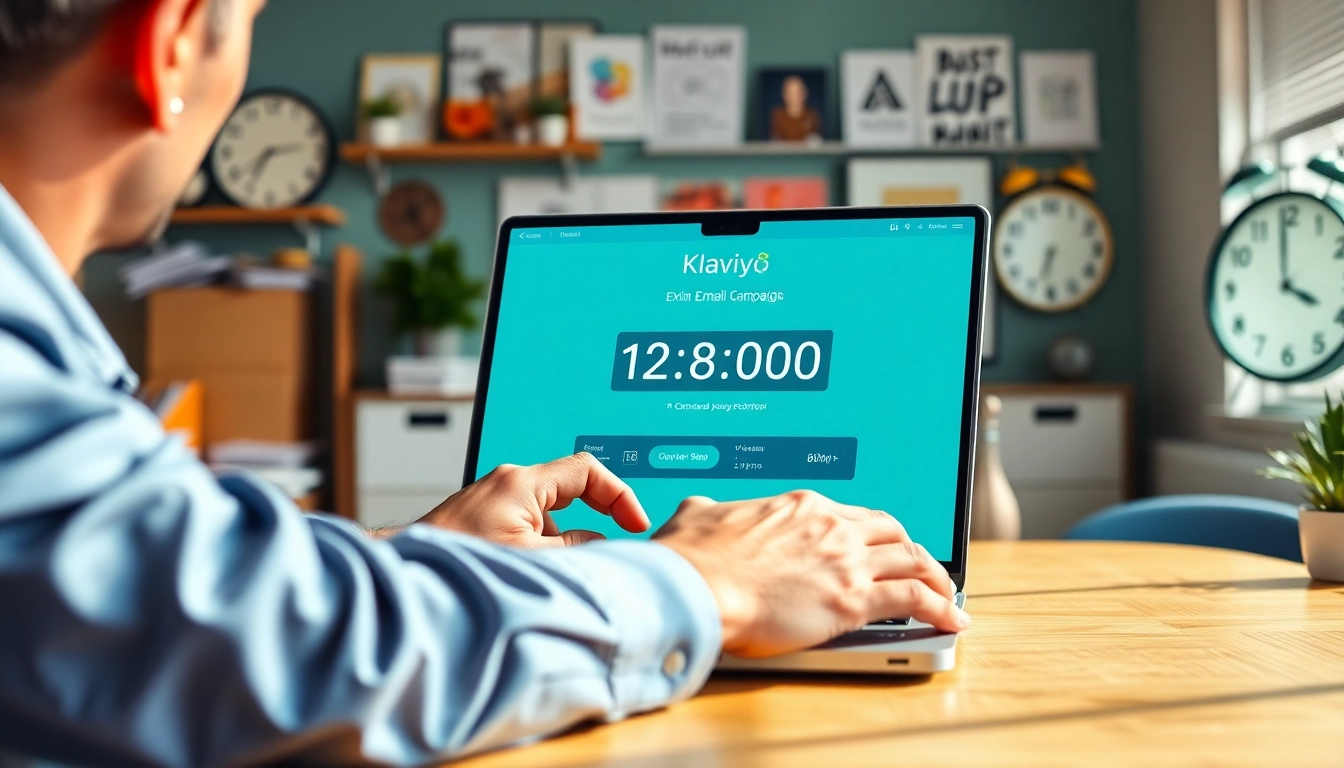
Understanding Countdown Timers in Email Marketing
In the fast-paced world of email marketing, creating urgency can significantly boost engagement and conversion rates. One effective tactic for instilling this sense of urgency is the use of countdown timers. Particularly in platforms like Klaviyo, countdown timers can amplify the effectiveness of promotional campaigns, driving customers towards making timely decisions. However, it's important to note that Klaviyo does not offer a built-in countdown timer feature, making the choice of a third-party solution essential for marketers. The concept of klaviyo countdown timer free options emerges as a valuable strategy for cost-conscious marketers looking to enhance their email campaigns.
What is a Klaviyo Countdown Timer?
A Klaviyo countdown timer refers to a visual countdown tool that can be integrated into Klaviyo email campaigns to create a feeling of urgency. This timer counts down to a specific deadline, such as the end of a sale or promotional event. When integrated correctly, it encourages recipients to take immediate action before the timer expires, thus increasing the likelihood of conversions. Although not native to Klaviyo, various third-party applications can generate countdown timers designed for seamless integration.
Benefits of Using Countdown Timers in Emails
Using countdown timers in your email marketing can lead to several benefits:
- Enhanced Urgency: Timers create a visual reminder for subscribers, urging them to act quickly.
- Boosted Engagement: Emails with countdown timers can increase open and click-through rates, resulting in improved engagement metrics.
- Improved Conversion Rates: By prompting quick decision-making, timers can help transform a passive subscriber into an active purchaser.
- Increased Email Relevance: Timers can be used to highlight sales, new arrivals, or limited stock offers, aligning with the promotional context of your emails.
Common Misconceptions about Klaviyo Countdown Timers
There are several misconceptions about countdown timers related to Klaviyo:
- “Klaviyo has a built-in countdown timer.” In reality, Klaviyo lacks this feature, necessitating the use of external tools.
- “All countdown timers are the same.” Not all timers are created equal; the quality and customization capabilities vary across different providers.
- “Timers take too much time to set up.” While there may be some initial setup, many third-party tools streamline the embedding process considerably.
How to Create a Klaviyo Countdown Timer for Free
Creating a countdown timer for your Klaviyo emails involves a few key steps, especially since you’ll need to rely on external tools. This section will guide you through the process.
Choosing the Right Third-Party Tool
Several options exist for generating countdown timers that can be embedded into your Klaviyo emails. Popular tools include:
- MailTimers: A user-friendly solution that offers a free option for creating countdown timers.
- Sendtric: Another viable option that allows customization and integration with Klaviyo.
- CountdownMail: Known for both its straightforward interface and advanced features.
When selecting a tool, consider factors such as ease of use, customization options, and support availability.
Step-by-Step Guide to Embed a Countdown Timer
- Create Your Timer: Visit your chosen countdown timer tool's website and configure your timer's settings (date, time, and appearance).
- Generate Embed Code: After customizing your timer, copy the generated HTML embed code.
- Access Klaviyo: Log into your Klaviyo account. Create a new campaign or edit an existing one.
- Add a Text Block: In the email template, drag a text block where you want the timer to appear.
- Embed the Code: Click on the 'Source' button in the text block and paste your countdown timer code. Save your changes.
Customizing Your Countdown Timer
One of the best features of countdown timers is their customizability. Depending on the tool you choose, you can modify the design elements, including colors, fonts, and sizes. Ensure that your timer fits the aesthetic of your email design for a cohesive look. You can also adjust the countdown duration and the message that accompanies the timer, reinforcing your promotional offer.
Best Practices for Using Countdown Timers in Klaviyo Emails
To maximize the effectiveness of countdown timers in your Klaviyo email campaigns, adhere to the following best practices.
Creating a Sense of Urgency
The primary function of countdown timers is to create urgency. Use time-sensitive language like “Only X hours left!” or “Last chance to grab this deal!” in conjunction with your timer. This language should instill a feeling that action needs to be taken quickly to avoid missing out.
Effective Placement and Design Strategies
For a countdown timer to be effective, it should be strategically placed within your email. The ideal positions include:
- Above the fold – where it can be seen without scrolling.
- Near the call-to-action (CTA) – prompting subscribers to take immediate action.
Design-wise, ensure that the timer stands out but also aligns with your brand’s visual identity, using contrasting colors and sizable fonts that can be easily read.
Timing Your Campaigns for Maximum Impact
Selecting an appropriate time frame for your countdown is crucial. Shorter countdowns can generate a quicker decision-making process, while longer timers may work better for larger sales or promotional events. Analyze past email performance to determine the ideal duration for timers in your specific context.
Analyzing Campaign Performance with Countdown Timers
After implementing countdown timers, it’s essential to measure their impact on campaign performance. This analysis will enable continuous optimization.
Key Metrics to Track
When evaluating your email campaigns featuring countdown timers, focus on the following metrics:
- Open Rates: Did the inclusion of the countdown timer enhance the open rates of your emails?
- Click-Through Rates (CTRs): Analyze whether subscribers were more likely to click on your CTAs when a timer was present.
- Conversion Rates: Ultimately, did the timer drive customers to complete purchases or sign up for your offers?
Using A/B Testing to Optimize Timing
A/B testing can provide insights into the most effective use of countdown timers. Consider testing different timer durations, designs, and placements to see which combination yields the best results. Even minor changes can significantly impact engagement and conversion rates.
Feedback and Iteration for Future Campaigns
Post-campaign analysis should include collecting feedback from your audience. Surveys can help ascertain their feelings regarding the urgency created by countdown timers. Use these insights to refine your future email strategies, making adjustments based on actual customer responses.
Additional Resources and Tools for Klaviyo Users
To further support your email marketing efforts, consider exploring these additional resources and tools:
Recommended Third-Party Tools
As previously mentioned, several tools excel in generating countdown timers for Klaviyo. These tools often provide additional functionalities such as analytics and design templates that can enhance your overall email marketing strategy.
Community Insights for Klaviyo Users
The Klaviyo community is a reservoir of knowledge, with forums and discussion boards available for users to exchange insights. Engaging with fellow Klaviyo users can yield practical advice and innovative strategies for incorporating countdown timers effectively.
Future Trends in Email Marketing and Countdown Timers
As email marketing evolves, so too do the strategies surrounding countdown timers. Emerging trends include personalized timers, which adjust based on user behavior, and AI-driven countdowns that predict and adapt to customer preferences. Staying ahead of trends by integrating these cutting-edge tools can enhance your email marketing effectiveness.