A Comprehensive Guide to Atera Login: Secure Access and Quick Fixes
Understanding Atera Login Basics
What is Atera Login?
Atera Login is the gateway for managed service providers (MSPs) to access the powerful cloud-based remote management and monitoring (RMM) platform offered by Atera. This login process is vital for administering devices, managing clients, and utilizing integrated billing and professional services automation (PSA) features. The platform empowers technicians to streamline their tasks and facilitate seamless collaboration within teams. To ensure safe access to the platform and avoid potential issues, users should familiarize themselves with the Atera login process.
Importance of Secure Access
Secure access to the Atera platform is critical for protecting sensitive client data and maintaining the integrity of services provided by MSPs. The login process not only serves to authenticate users but also provides essential security measures, such as two-factor authentication (2FA), to mitigate unauthorized access. By adhering to security best practices, technicians can safeguard their credentials and their clients’ information, ensuring that trust remains intact in their professional relationships. For further details on navigating the Atera login process, you can refer to our comprehensive overview on Atera login.
Quick Access Overview
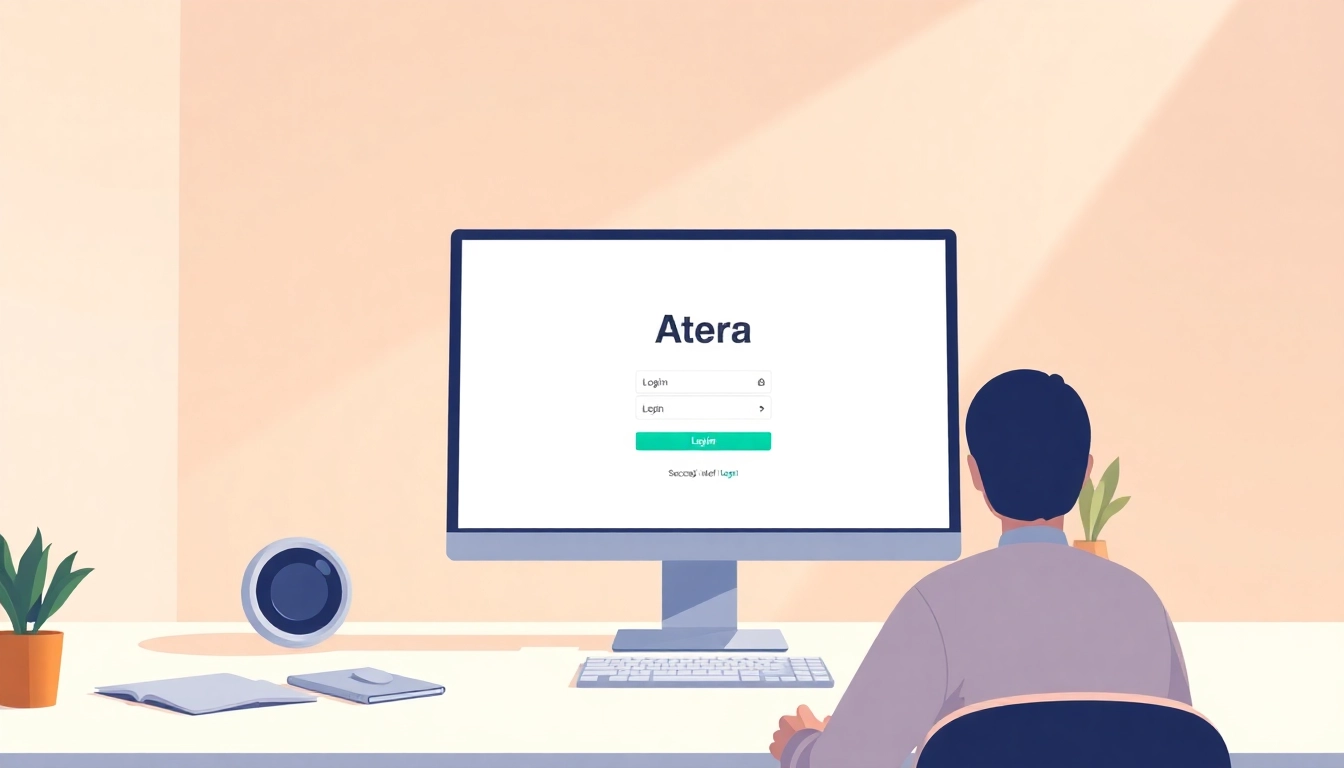
The Atera platform can be accessed through its official login page, where users are required to enter their credentials. After authentication, users are redirected to their personalized dashboard filled with modules that offer easy management of devices, client interactions, and reporting tools. The intuitive interface is designed to optimize productivity, allowing technicians to focus on their tasks rather than navigate complex menus.
Safe Sign-In Checklist for Atera
URL Verification Before Login
Before logging into Atera, it is crucial to ensure that you are on the correct website. Always verify that the URL in your browser’s address bar reads “app.atera.com” and that it is secured with HTTPS. Phishing attempts often target credentials by directing users to look-alike websites, so verifying the URL is a fundamental step in safeguarding your login process.
Enabling Two-Factor Authentication
Two-factor authentication (2FA) is a robust security feature that adds an extra layer of protection to your Atera login. By enabling 2FA, you ensure that in addition to your username and password, another form of identity verification is required. This could come in the form of a text message, email, or authenticator app notification. All technicians should have 2FA enabled to protect their credentials and the client data they handle.
Common Login Challenges and Solutions
Users may experience several challenges while attempting to log into Atera, including forgotten passwords or issues with two-factor authentication setups. Common solutions include using the “Forgot Password” link on the login page and checking inboxes for any verification emails. If you encounter login problems, it’s also useful to clear your browser cache or try a different browser to rule out any local issues affecting your login.
Troubleshooting Atera Login Issues
Password Reset Procedures
If you’ve forgotten your password, resetting it is straightforward. Click on the “Forgot Password” link on the login page, enter your registered email address, and follow the instructions provided in the password reset email you receive. Be mindful that reset links come with expiration dates, typically ranging from 24 hours, for security reasons.
MFA Security Troubleshooting
Multi-factor authentication can sometimes lead to complications, especially if the authentication method changes (e.g., switching to a new phone). Make sure to update your 2FA settings accordingly. If you encounter difficulties receiving authentication codes, check that your recovery options are up-to-date, as you may have to jump through additional hoops to verify your identity.
Contacting Support for Assistance
When all else fails and login issues persist, don’t hesitate to contact Atera support for assistance. Providing them with detailed information about the issue you are facing—including any error messages—will streamline the support process and facilitate a quicker resolution.
Security Best Practices for Atera Users
Implementing SSO for Enhanced Security
Single Sign-On (SSO) is increasingly popular among organizations looking to streamline access and improve security. By integrating SSO with Atera, you can centralize user management and facilitate automatic deprovisioning of users when they leave the organization. This reduces the risk of unauthorized access considerably and promotes a more organized structure for managing credentials.
Least Privilege Principle in Access Management
Adopting the least privilege principle ensures that each technician or employee has only the access necessary to perform their job functions. This approach limits the potential damage caused by compromised accounts and minimizes the risk of inadvertent harm. Regular audits of user permissions help in identifying and adjusting access rights that may not currently align with this principle.
Awareness and Prevention of Phishing Attacks
Education on phishing attacks is essential for all Atera users. Awareness training equips technicians to recognize fraudulent login requests or suspicious emails that could compromise their accounts. Always verify that any login requests originate from Atera’s official domains and refrain from entering credentials on external sites reached through unsolicited links or emails.
Extended Resources and FAQ for Atera Users
Official References and Support Links
For more detailed answers and official guidance, Atera provides a wealth of resources and support links. It’s advisable to consult these materials regularly to stay updated on best practices and new features. Educational webinars and user community forums can also serve as excellent platforms for peer support and shared insights on managing the Atera platform effectively.
Feedback and Community Support Options
A vibrant community around Atera can provide invaluable support. Users are encouraged to engage with online forums or feedback mechanisms to share experiences and strategies for overcoming common issues. Building up a network can help technicians feel supported and informed about industry best practices.
FAQs on Common Atera Login Queries
Common questions regarding the Atera login process revolve around issues like password recovery, user permissions, and access management. Having a well-documented FAQ section for users can address many of these queries, significantly cutting down on support requests and empowering users to solve problems independently.